Software Tips

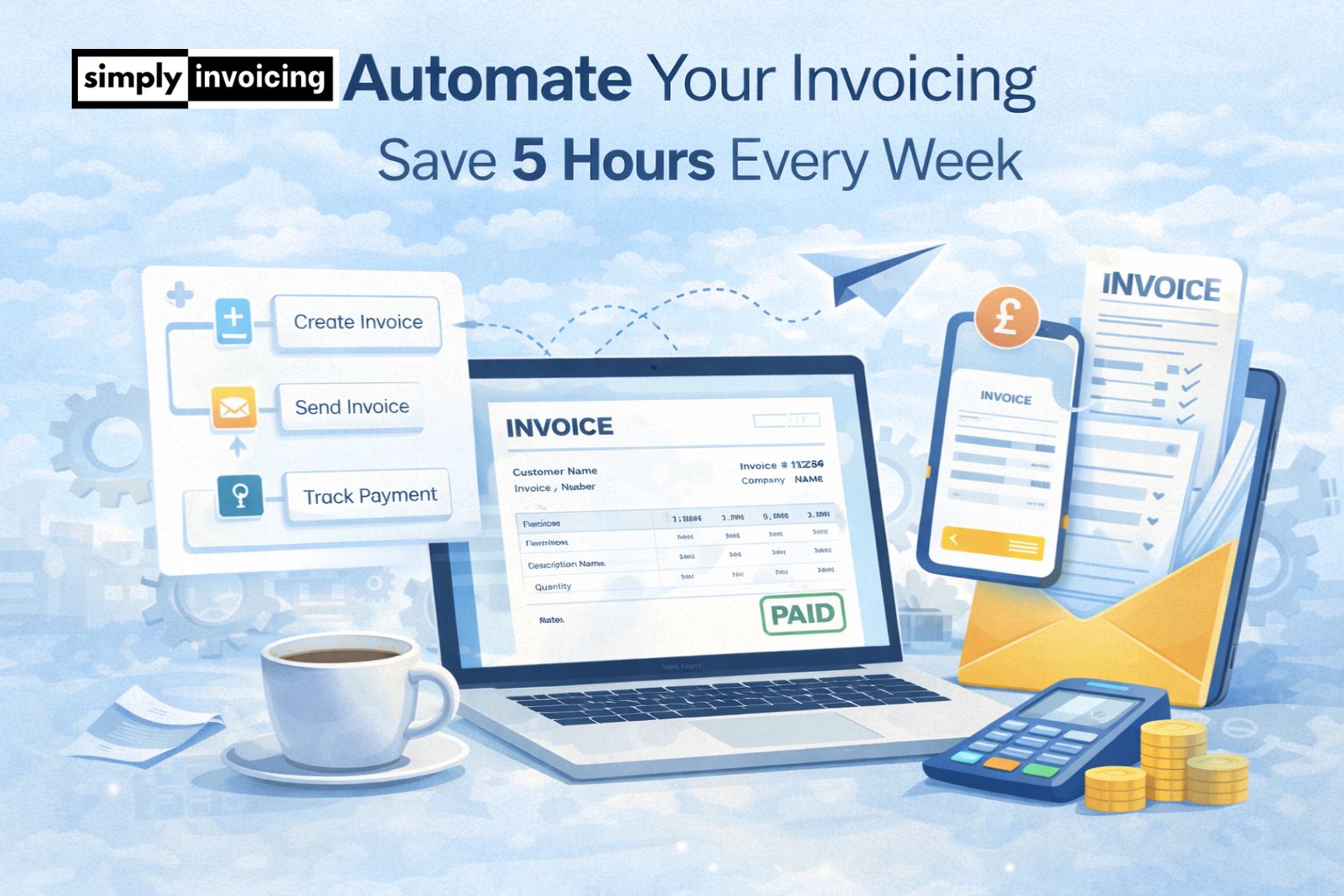
Automate Your Invoicing: Save 5+ Hours Every Week

2 min read
October 2025
63 Views

If invoicing steals hours every week, automation is the fastest way to win that time back. This guide shows how to set up recurring invoices, trigger payment reminders, streamline approvals, and automate expense trackingβ€”without losing control. You’ll learn practical workflows, rules, and checks that reduce mistakes, speed up payments, and keep your records tidy.


Last Updated: 23/03/2026

What Does It Mean to Automate Invoicing?

Direct answer:
To Automate invoicing means using software to automatically create, send, track and manage invoices without manual input for each step.

Instead of manually:

  • Creating invoices from scratch
  • Re-entering customer details
  • Sending reminder emails
  • Updating payment status

A digital invoicing system UK handles this automatically. Automation replaces repetitive admin with structured workflows.

How Automation Saves 5+ Hours Weekly

Let’s break it down realistically.

Without automation

  • β€’2–3 hours creating invoices
  • β€’1–2 hours chasing late payments
  • β€’1–2 hours updating spreadsheets
  • β€’1 hour reconciling payments

That’s easily 5–8 hours per week.

With invoice workflow automation

  • βœ”Reusable invoice templates
  • βœ”Auto-filled customer data
  • βœ”One-click recurring invoices
  • βœ”Automatic payment reminders
  • βœ”Real-time payment tracking

Less admin. Faster payments. More time for revenue-generating work.

Key Features of Invoice Automation Software

To truly benefit, your invoice automation software should include:

Recurring Invoices

With recurring invoices software, you can automatically send:

  • Monthly retainers
  • Weekly contractor payments
  • Subscription billing
  • Ongoing service agreements

Set it once. The system handles the rest.

Automatic Payment Reminders

Chasing payments manually wastes hours. Automatic payment reminders:

  • Send scheduled reminder emails
  • Reduce awkward conversations
  • Improve cash flow consistency
  • Decrease overdue invoices

Businesses using automated reminders typically get paid faster.

Track Payments Automatically

Instead of checking your bank daily:

  • Mark invoices as paid
  • Monitor overdue accounts
  • View payment history
  • Generate income reports

Modern cloud invoicing UK platforms simplify reconciliation.

Customer Database Integration

Store client details once. Your online invoicing software UK should allow:

  • Saved customer records
  • Instant invoice duplication
  • Easy editing
  • Professional branding

No repeated data entry.

Who Benefits Most from Automated Invoicing UK?

1

Sole Traders

Reduce admin and focus on billable work.

2

Freelancers

Manage multiple clients efficiently.

3

Contractors

Automate weekly or monthly billing.

4

Limited Companies

Improve reporting and accountant collaboration.

5

Startups

Scale operations without hiring admin staff.

If you invoice regularly, automation saves measurable time.

Common Mistakes When Trying to Automate

  • Using manual spreadsheets only
  • Sending invoices inconsistently
  • Forgetting to enable reminders
  • Not reviewing overdue reports
  • Choosing software without automation features

Not all tools offer true small business invoicing automation.

How Automation Improves Cash Flow

Time savings are only one benefit.

  • Send invoices immediately
  • Reduce human delay
  • Minimise forgotten invoices
  • Encourage faster payment cycles

Faster invoices = faster cash flow. Automation is business stability, not just convenience.

Quick Automation Checklist

  • Use invoice automation software
  • Enable recurring billing
  • Activate automatic reminders
  • Track payments digitally
  • Store invoices securely in one place

Consistency creates efficiency.

Frequently Asked Questions

You can automate invoicing by using invoice automation software that creates recurring invoices, sends automatic reminders and tracks payments digitally. This removes manual admin and speeds up your billing process.

Yes. Automated invoicing sends invoices immediately and triggers payment reminders automatically, reducing delays and improving cash flow.

Absolutely. Sole traders benefit significantly from automation because it reduces admin time and ensures consistent billing without hiring additional staff.

It should include recurring invoices, automatic payment reminders, digital record storage, customer database management and real-time payment tracking.

Yes. Modern online invoicing software replaces spreadsheets by automatically storing data, generating reports and maintaining structured digital records.

Still have questions?

Our support team is here to help. Get in touch with us anytime.

Contact Support

Related Articles

UK Compliance & VAT

Making Tax Digital UK 2026 Guide | Simply Invoicing

Making Tax Digital UK 2026 explained for sole traders and landlords. Learn MTD for Income Tax rules, thresholds, quarterly updates and HMRC software requirements.

3 min read Read
Expense Recording

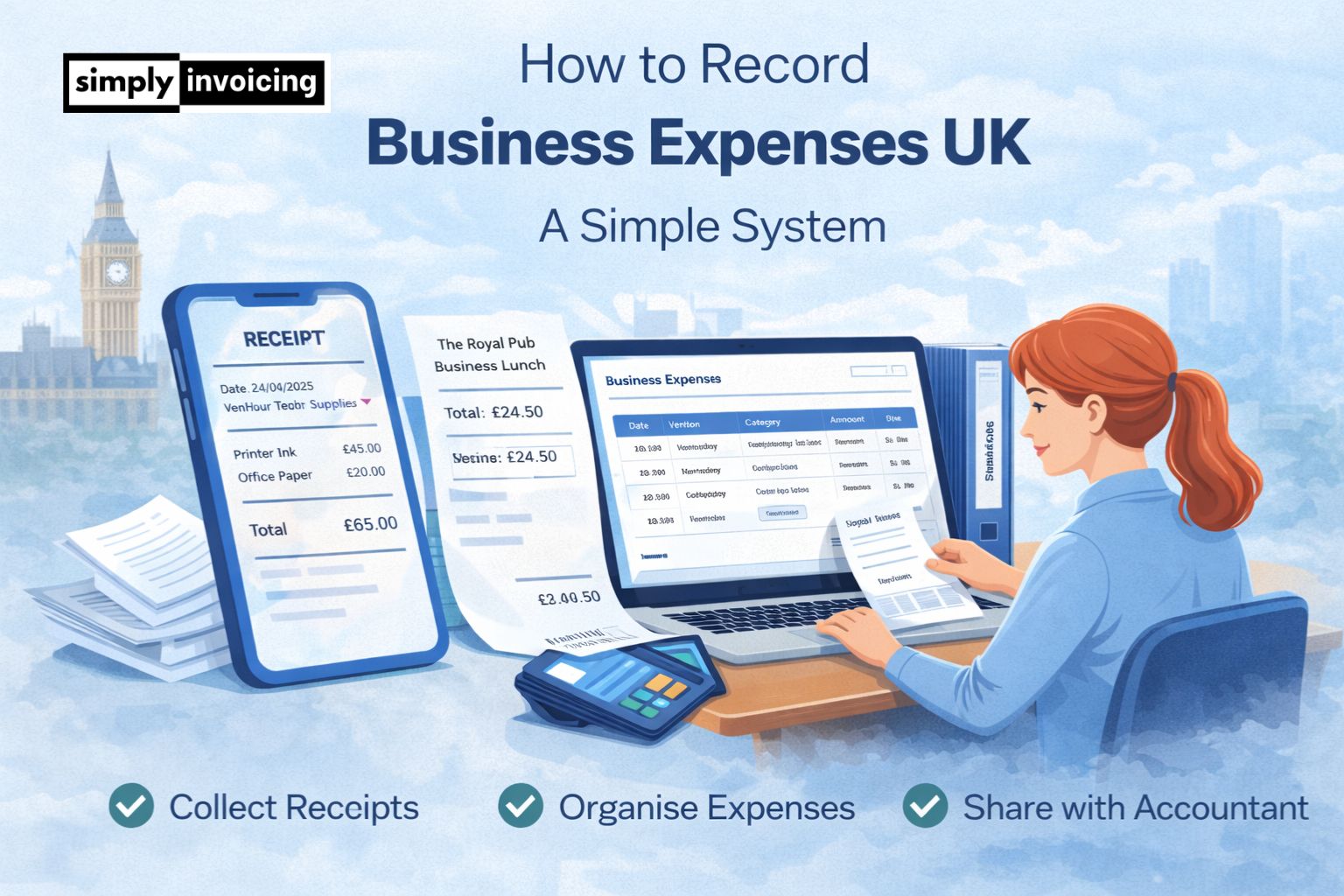
How to Record Business Expenses UK: A Simple System

A simple UK expense tracking system for small businesses to stay organised, keep HMRC-ready records, and claim tax deductions legally.

3 min read Read
Payments & Cash Flow

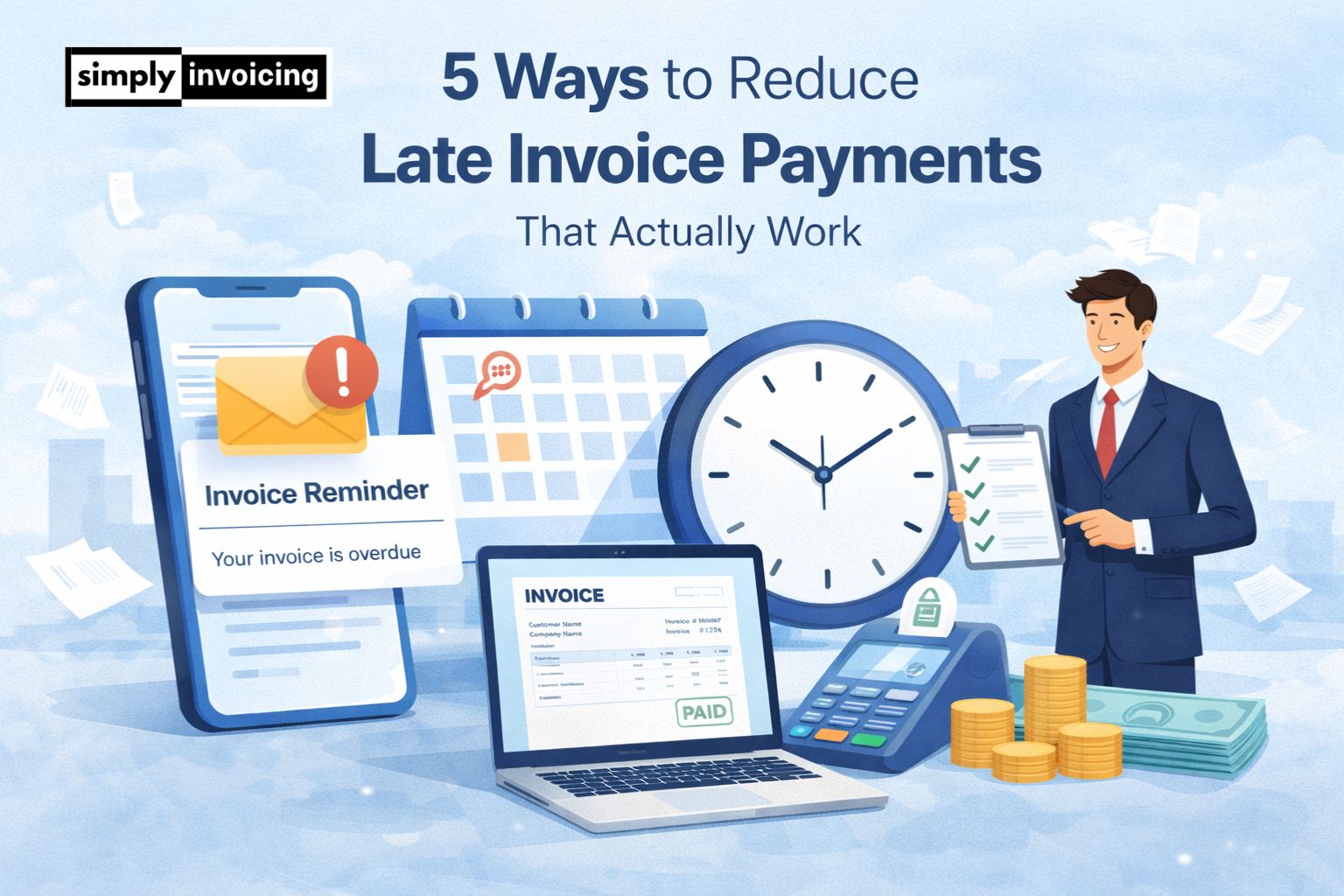
5 Ways to Reduce Late Invoice Payments (That Actually Work)

Discover five proven strategies UK small businesses and self-employed professionals use to reduce late invoice payments, improve cash flow, and get paid faster without damaging client relationships.

3 min read Read